

For reference, here are some troubleshooting notes, tips, issues, and resolutions I have had over the years.
- Double check microphone sound device properties to ensure it is at 100% audio. Ensure Browser / programs are NOT automatically lowering volume: https://t.me/meslinks/26695
- Ensure the Yeti mic isn't randomly maxing out the volume, to avoid clipping higher peaks.
- Increase brightness in web cam.
- Mute Web Telegram notifications.
- MES stop covering mouth while talking near mic.
- Let me know if audio is too low or loud.
- MES stop moving the screen during group streams.
- Ensure guest is using computer audio and NOT microphone audio only when playing videos.
- Can monitor mic and system volume in PRISM Live Studio.
- Make monitor 2560x1080 when it glitches out.
- Quit and reopen Telegram Desktop to fix window not moving issue.
- Speak slower and pronounce words more clear and less monotone.
- South Africa doesn't have daylight savings time, and Switzerland changes a week ahead of Canada.
- Fix up mic.
- Ask if there is audio loud clipping, and my volume is level with video audio, and check on computer audio too.
- Camtasia voice narrations volume level adjusts the computer's sound settings!
- Make sure no echo with Microsoft Teams or Zoom (Zoom's is more subtle).
- Unplug and replug mic if the sound settings automatically lower for some strange reason, and keep sound window open in case it does it again. Pump.Fun causing the mic issues I think.
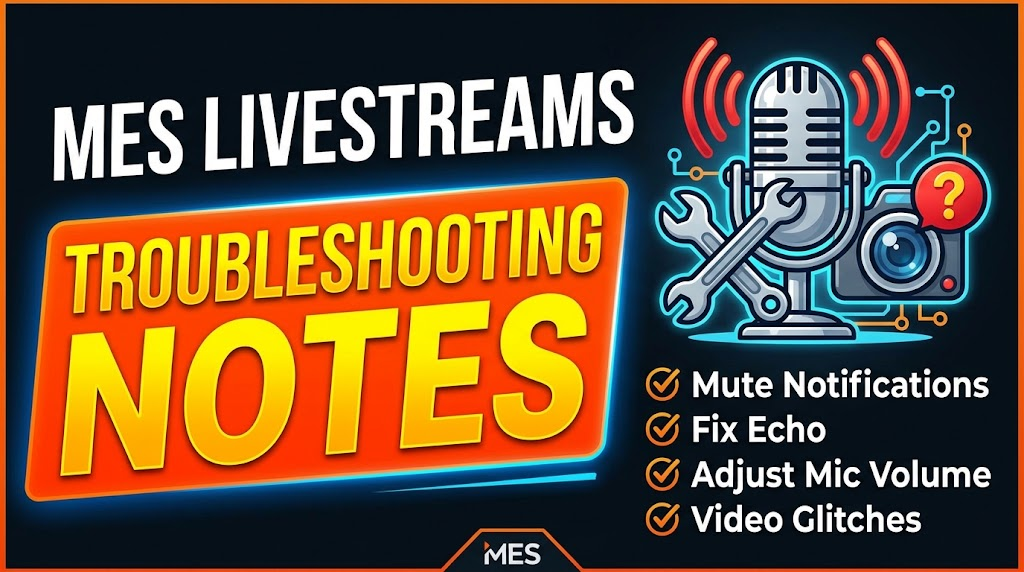
Thumbnail made with Gemini AI.
- All livestreams: mes.fm/livestreams
Originally posted on the Hive blockchain →
Text and images retrieved from the Hive blockchain on September 26, 2026.